Authentication
All requests must be authenticated via a Bearer token. To get a token, head to your user settings, click on "API Authentication" and create a key.
Your key is only shown once, when it's created. Crux stores a hash of it, not the key itself, so copy it somewhere safe straight away. Afterwards the screen only shows the key's last few characters, to help you tell keys apart.
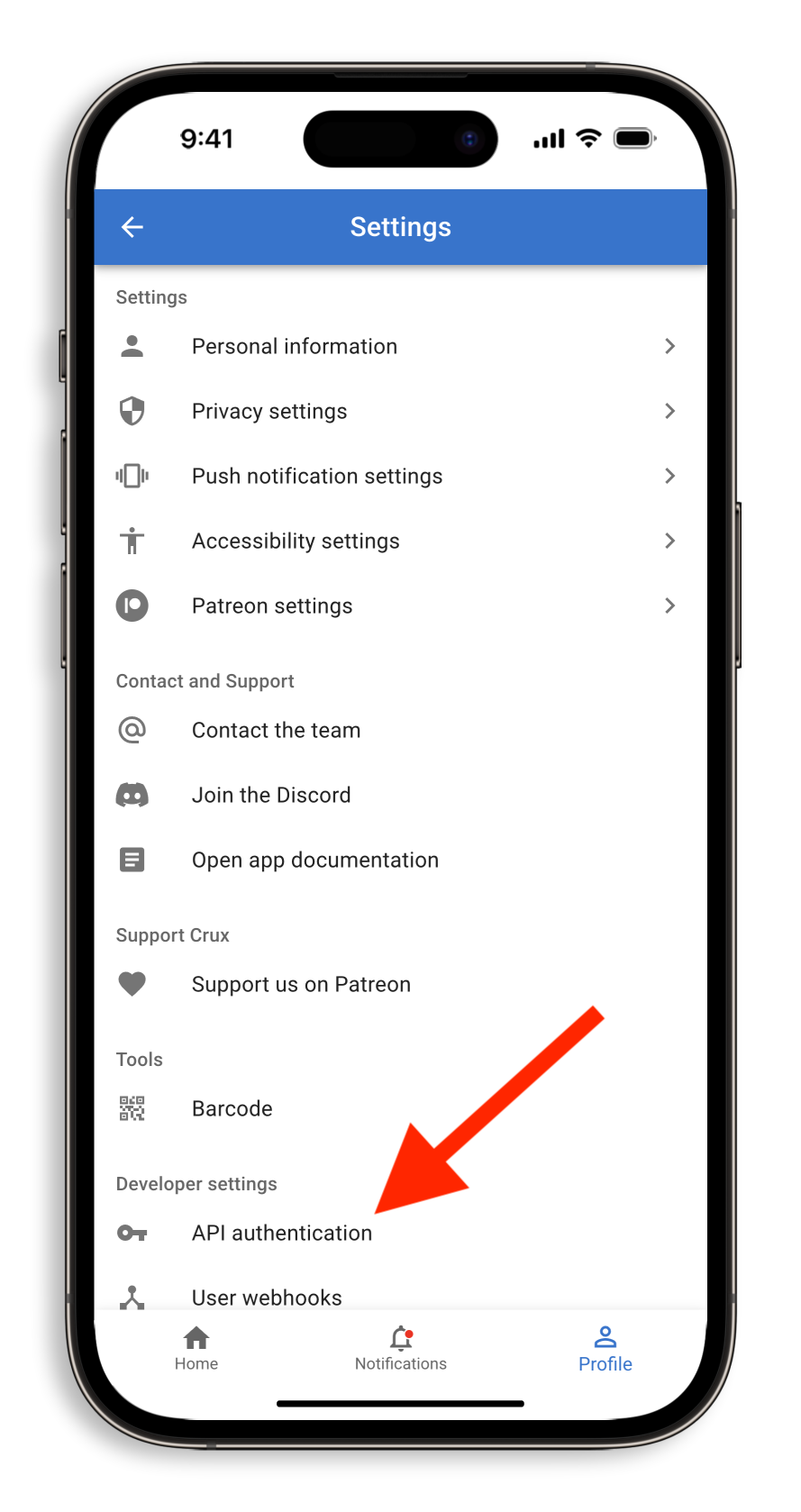
Treat API tokens as passwords and do not share them with anyone. Take care to not check API keys into source control or expose them in client-side code.
Using a Bearer Token
To use a Bearer token, include it in the Authorization header of your request.
Authorization: Bearer <token>
You can query the API using cURL like this:
# Set the CRUX_TOKEN environment variable to your API token
export CRUX_TOKEN=<your-api-token>

# Query the API
curl -H "Authorization: Bearer $CRUX_TOKEN" \
     https://www.cruxapp.ca/api/v1/users/me
Cycling your API key
If you think your API key has been leaked, or you've lost it, you can cycle it in the API Authentication menu. This generates a new key (shown once) and invalidates the old one immediately.