Adding a New Homewall
How Much Does It Cost?
Adding a homewall to Crux is completely free! Homewalls get full access to all features, including unlimited walls, resets, and climbs.
Who Can Set on My Homewall?
By default, only you can set routes on your homewall. If you’d like to allow others to set climbs, check out the Adding and Removing Setters guide.
How to Add Your Homewall
- Start the process – Tap "Add a commercial gym or home wall" on the gym selection page. (See Selecting Your Gym for details.)
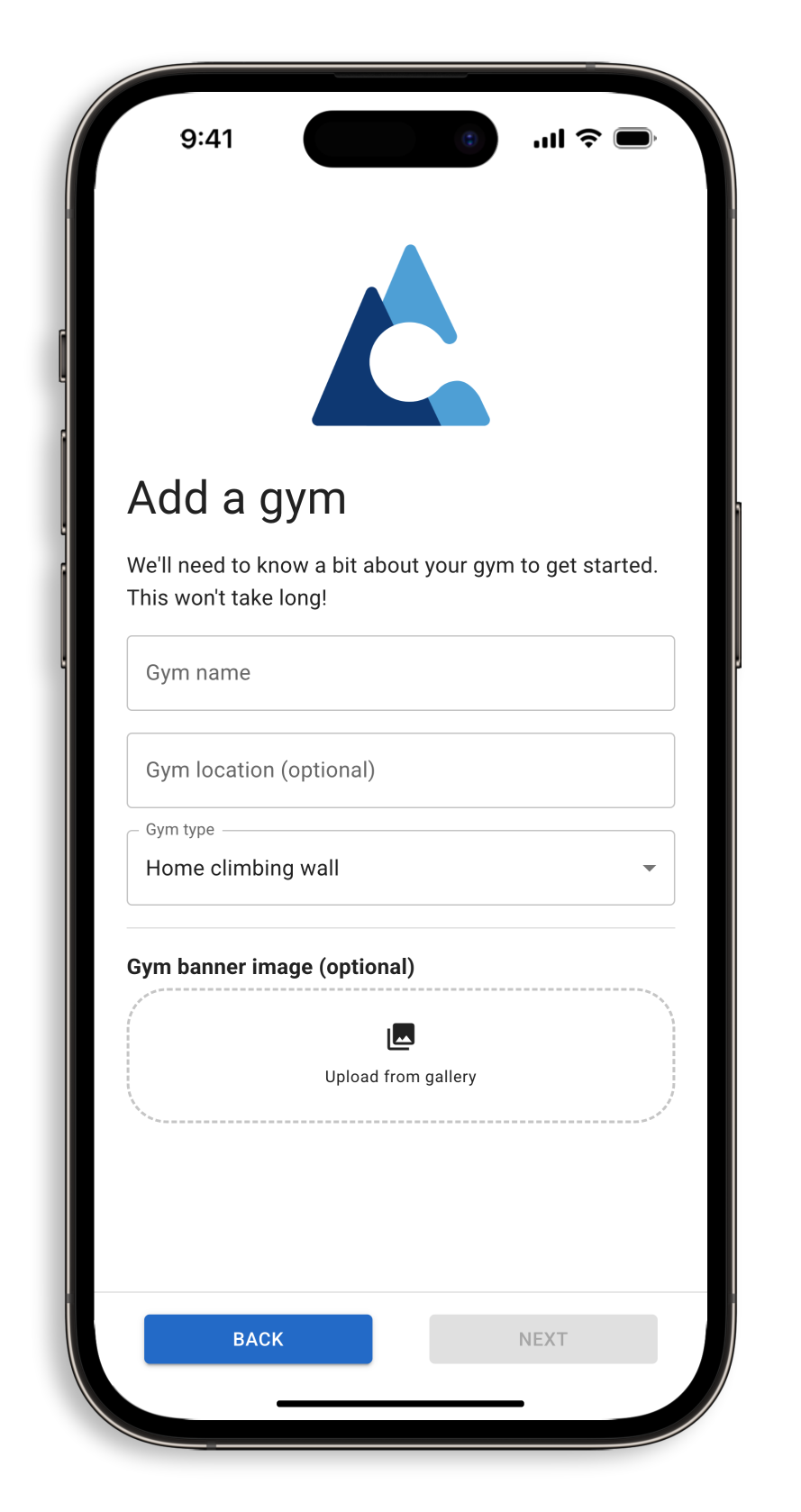
- Enter homewall details – Provide your homewall’s name and location. Select "Home climbing wall" as the type.
- (Optional) Add a banner image – This is decorative only and won’t affect route setting.
- Choose a grading system – Select V grades, Font grades, or a custom grading scheme.
- Review and confirm – Double-check the details, then tap "Add gym" to create your homewall. That’s it!